Terminal Animation
#termanim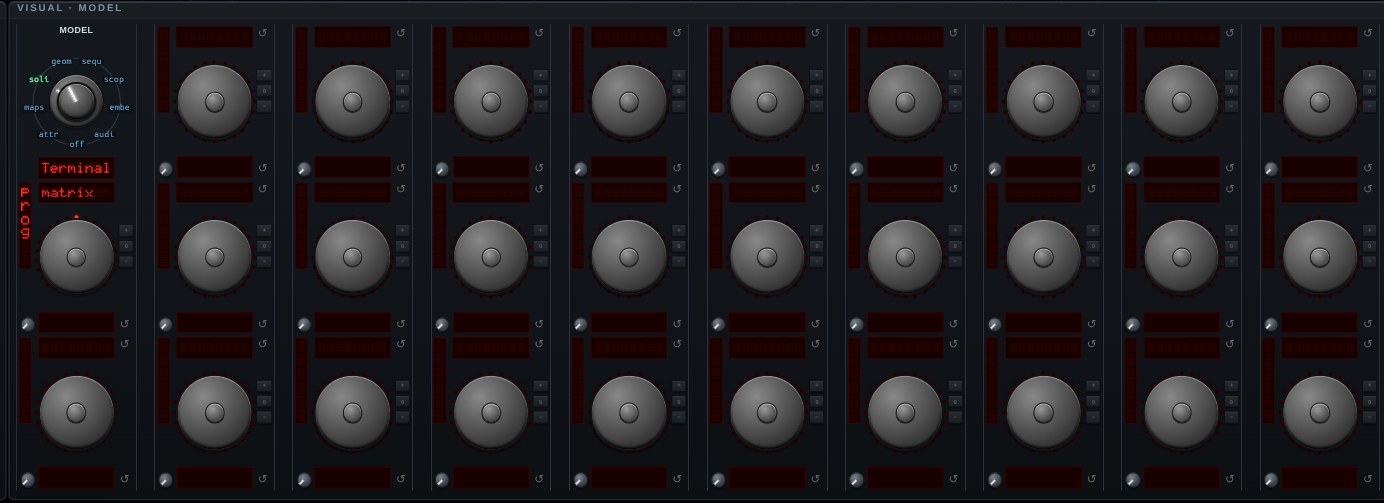
Terminal Animation — the same terminal-on-a-plane, with a drawing program on it instead of a shell. The catalog is [tuiwasm](https://github.com/0magnet/tuiwasm): twenty-one animations — fire, plasma, a matrix rain, an aquarium, a bonsai growing branch by branch, Langton's ant, falling sand — plus charts, tables and styled text. Pick one from the **animation** selector on this model's panel. The animations draw at half-block resolution: every cell is an upper or lower block glyph carrying its own foreground and background, which is two independently colored pixels per cell and roughly square ones, since a terminal cell is about twice as tall as it is wide. They run at the frame rate — the cells are written straight into xterm-go's buffer rather than encoded as escape sequences and parsed back, which is the difference between sixty frames a second and a wedged tab. Nothing is wired to the keyboard here, unlike the Terminal model: these draw, they do not read, and the animations quit on a keystroke. Like the terminal it can also be the BACKDROP behind another model.
Open Terminal Animation in chaosrack →It opens running, on the model selector, with its own knobs. Rotate it by dragging, zoom with the wheel, and turn the parameters to see what the figure does when the system changes.