Desk
#desk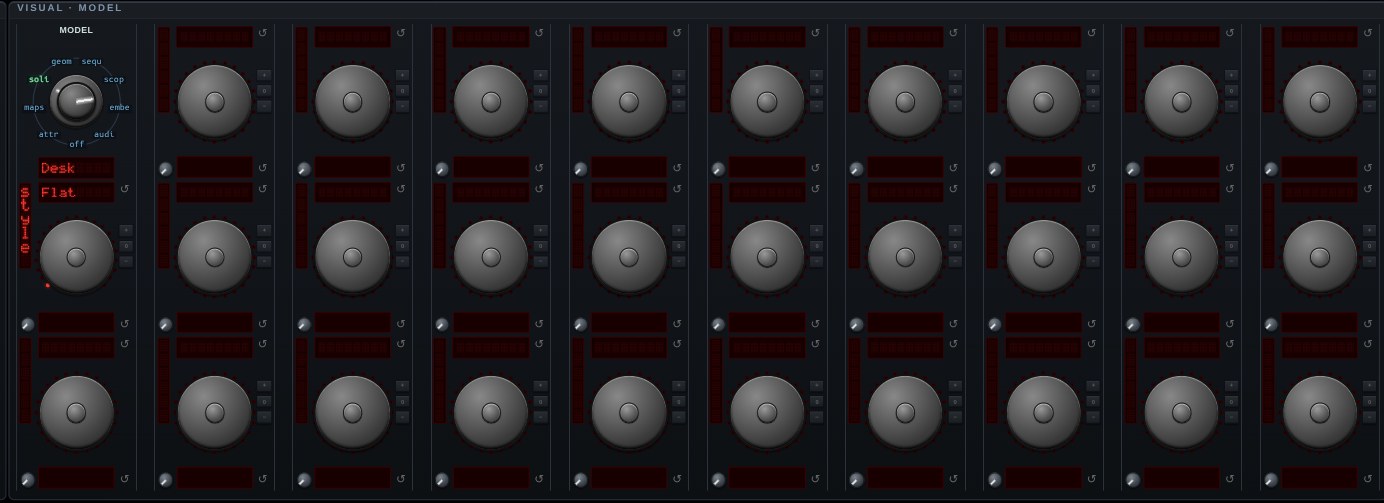
Desk — a window manager, drawn as a model. The same texture-on-a-plane path the spectrogram, the recurrence plot and the Terminal use, with a whole [desk](https://github.com/0magnet/desk) on it: winbox windows, a [websh](https://github.com/0magnet/websh) shell in each, a file manager, all of them running while you rotate them.
It needed something from desk to be possible at all. A window is more than its pane — its title, buttons and border are DOM, and DOM cannot be sampled into a texture — so texturing the panes alone would give a desk of frameless rectangles. desk's WebGL compositor can now REDRAW the frames instead: each title bar is rasterized with Canvas2D, text and buttons and all, into the same canvas it draws the panes into, and that canvas is a complete picture of the desk.
Nothing types into it while it is a model, and that is the arrangement rather than an omission for the MOUSE: a click on a rotated quad would have to be cast through it to a texture coordinate and synthesized back into a DOM event at a place nothing is. What you get instead are two gestures. **Ctrl-drag** reaches the desk, so ctrl-dragging a title bar moves a window while an ordinary drag still turns the model; the **Pass-thru** switch in the Desk module swaps the two if you would rather drag windows directly and hold ctrl to turn. And the KEYBOARD does reach it: **double-click** the canvas to type into the focused window and **Esc** to give the keyboard back, the same pair the Terminal and Host Shell models use.
Aiming is the honest limitation — you are pointing at a projection, so a title bar is not where the pointer says it is. The **Desk** switch (Console → Window) puts the same windows on the page as ordinary DOM, which is the one to use for arranging them; rearrange there, then come back here to look at it. Flatten to work, rotate to admire. It can also be the BACKDROP behind another model, the way the spectrogram and the terminal can.
Open Desk in chaosrack →It opens running, on the model selector, with its own knobs. Rotate it by dragging, zoom with the wheel, and turn the parameters to see what the figure does when the system changes.