Poincaré Section
#poincare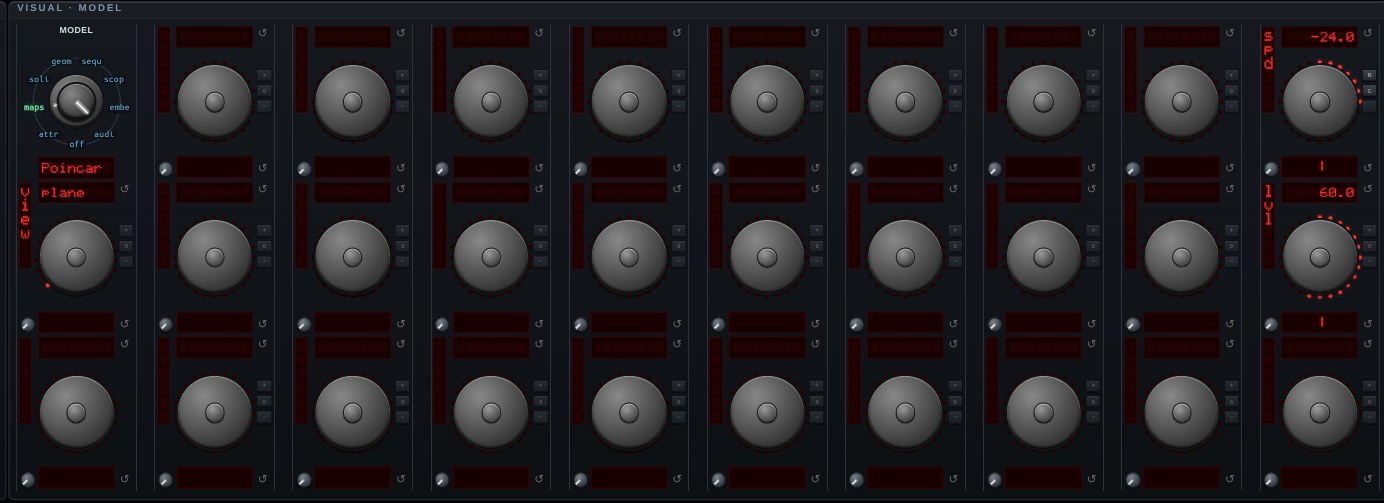
Poincaré Section — the continuous flow read as a discrete point set. The most recent flow mode is integrated privately and sampled only where it pierces a plane, going one way through it; what is left is the cross-section of the attractor, and the sheets that are invisible in the tangle are the whole picture here.
AXIS and POS place the plane (POS is a fraction of the attractor's own reach along that axis, so 0 is through the middle whatever the system's size); DIR chooses which way through it counts. One way is the default, and it is not a preference: a bounded flow that goes up through a plane has to come back down through it, so keeping both superimposes two different sections and the return map stops being a function.
VIEW picks the picture — PLANE draws the crossings where they physically are, FLAT lays the section out face on in the plane's own coordinates, and MAP is the FIRST-RETURN MAP: each crossing plotted against the next one. That last is where the route to chaos is legible — a periodic orbit is a handful of dots, a period-doubling is that set doubling, and a chaotic attractor is a single-humped curve, which is the logistic map's parabola surfacing inside a differential equation. The dotted 45° line is y = x, where the map's fixed points are.
The crossing point is INTERPOLATED between the two samples that straddle the plane rather than snapped to the nearer of them — snapping smears the section by up to half a step of arc, which on these attractors is the same size as the gap between the sheets it is supposed to show.
The same section is available as an overlay on the live attractor: Trace > Sect.
Open Poincaré Section in chaosrack →It opens running, on the model selector, with its own knobs. Rotate it by dragging, zoom with the wheel, and turn the parameters to see what the figure does when the system changes.